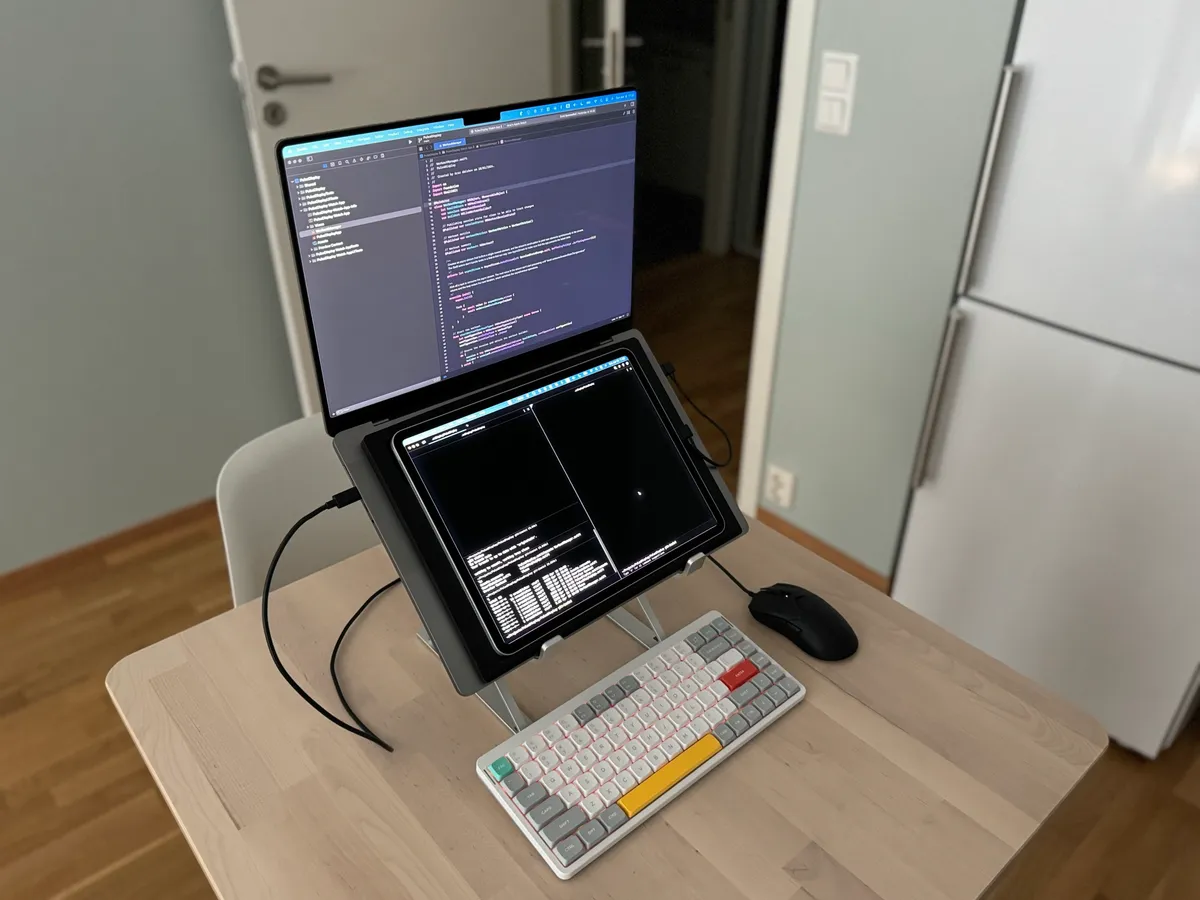
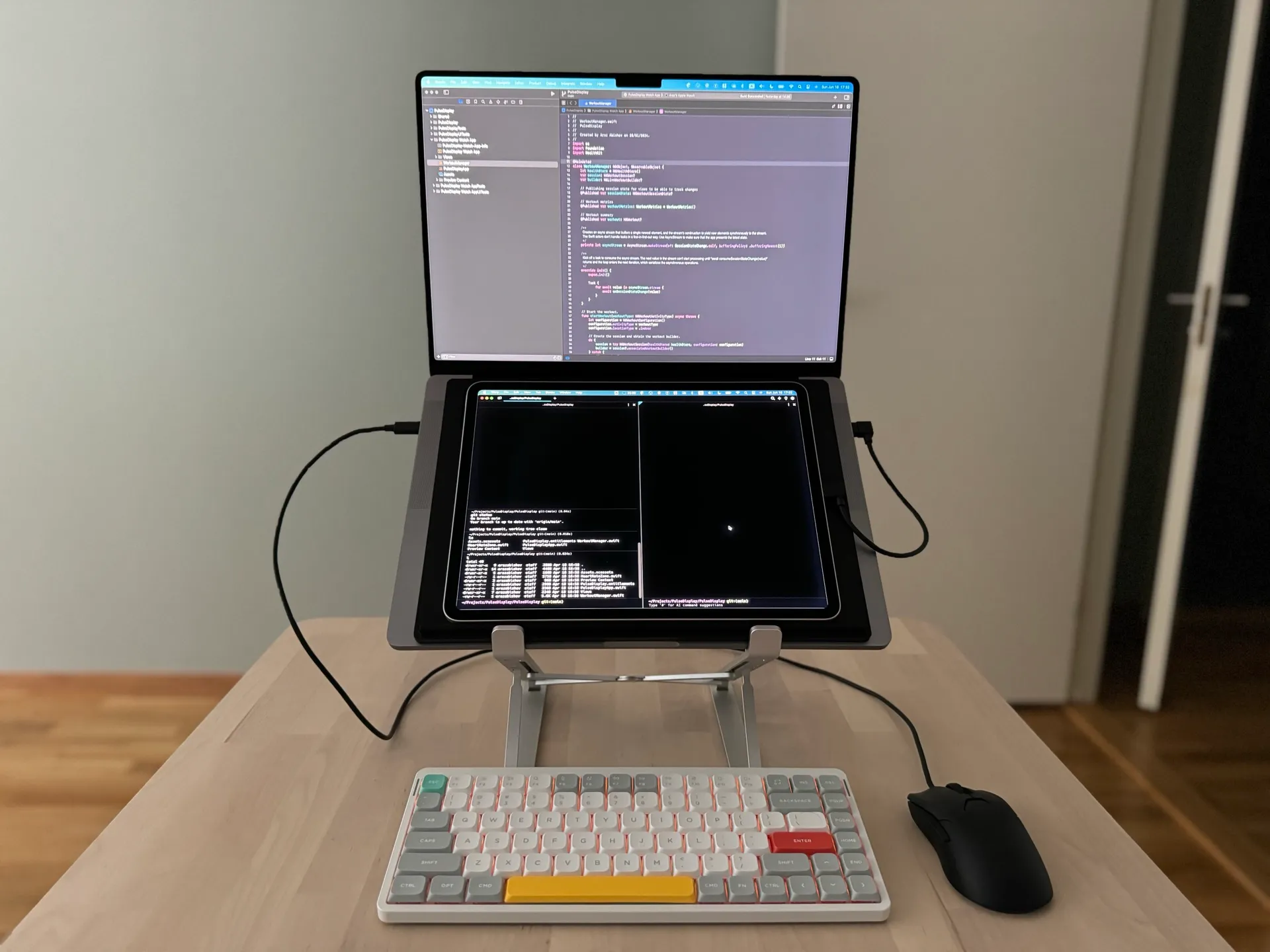
I wanted to try using my iPad as a secondary display for my MacBook Pro 16”. The idea was to place the iPad directly over the MacBook’s keyboard, put the laptop on a stand, and use an external keyboard and mouse.
The tray
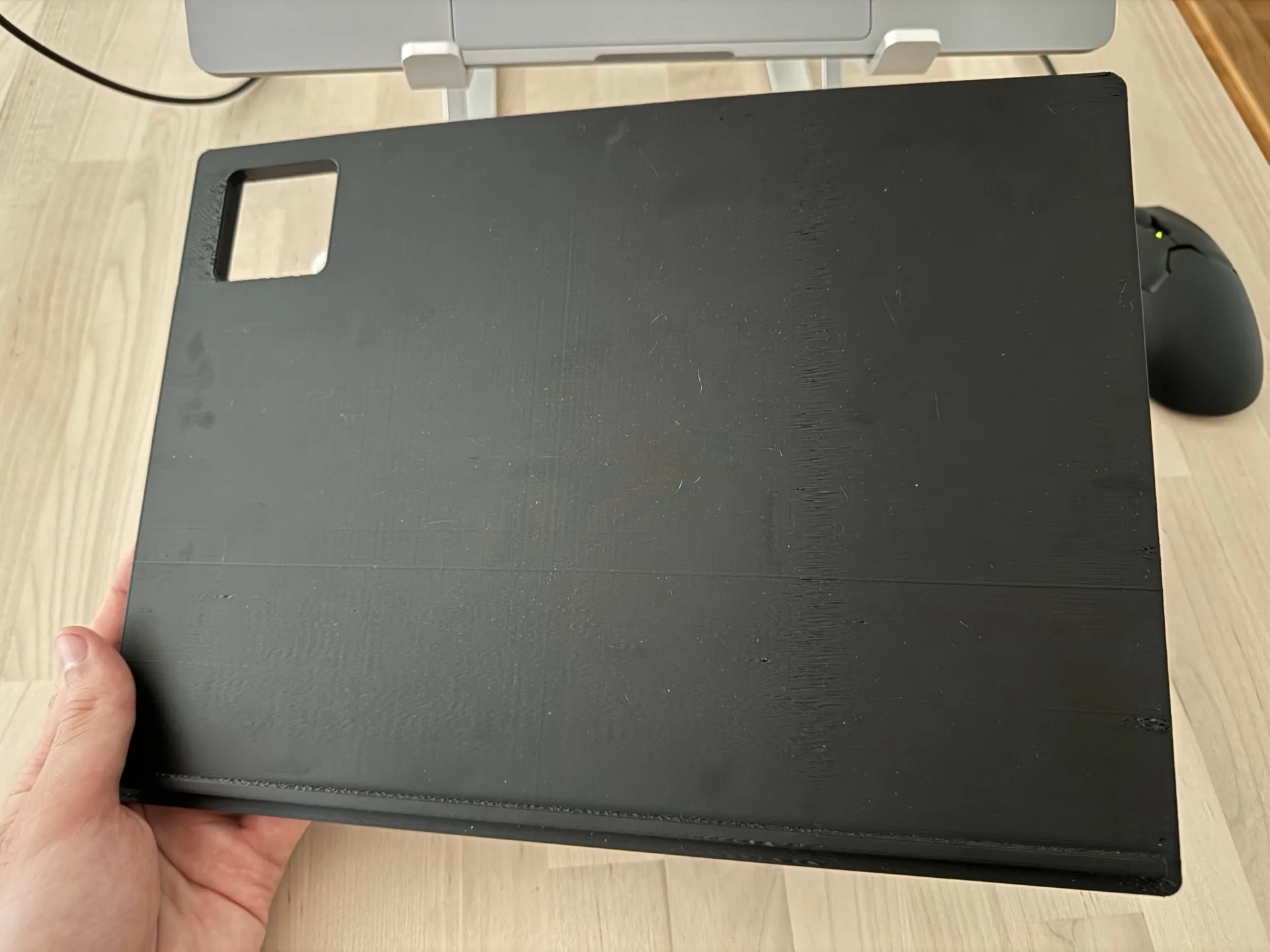
There is a problem with placing the iPad directly on the keyboard: the camera bump causes it to rock, and the weight of the tablet presses down on the keys. To prevent both, I designed a simple tray that sits on top of the keyboard area and gives the iPad a stable, flat surface (this is also my first 3D model). The tray is slightly angled to improve readability, and there is a small lip at the bottom to prevent the iPad from sliding down.
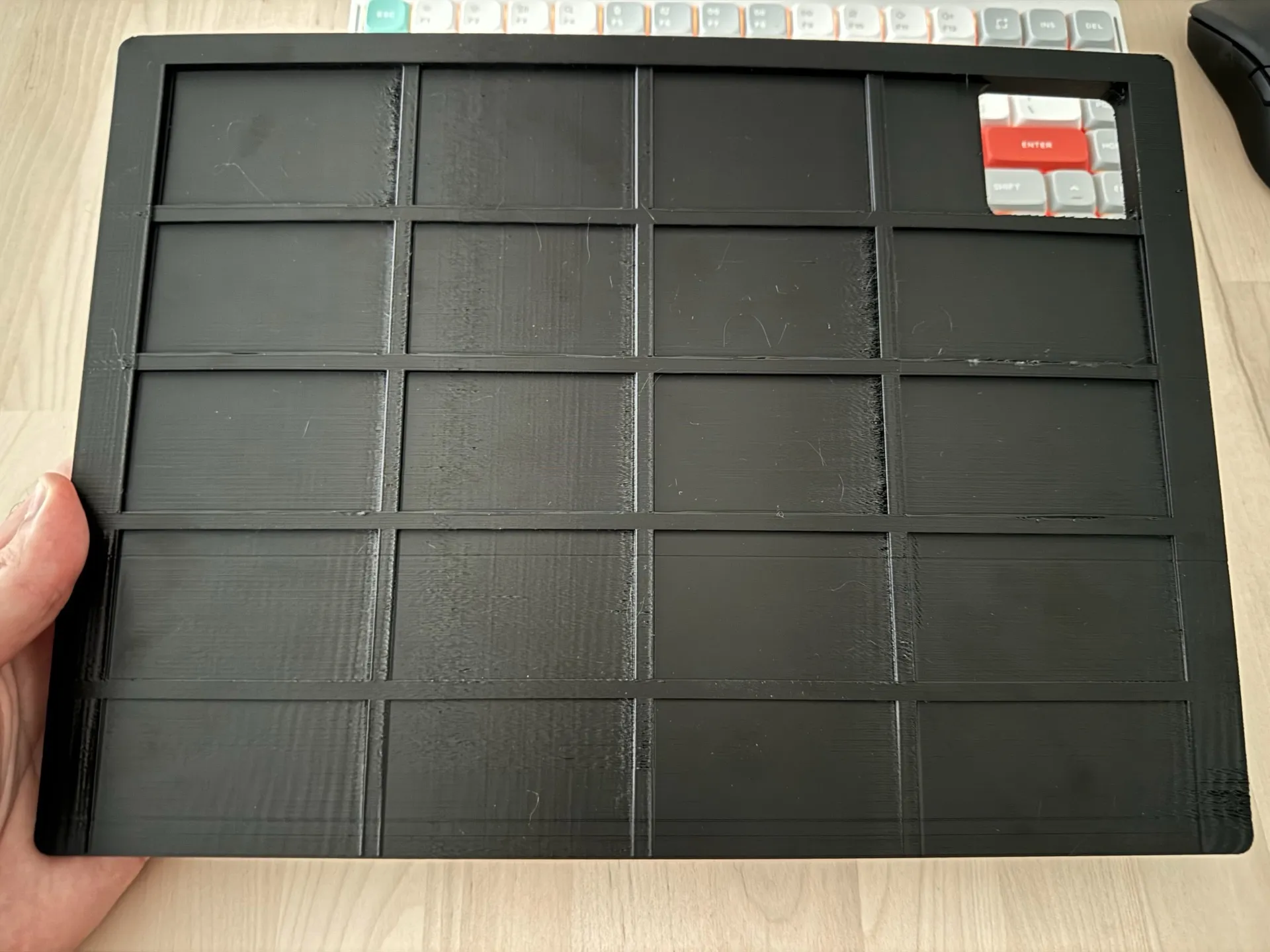
The underside has a grid of reinforcement ribs for structural rigidity without using too much material. I probably went a bit overboard with the ribs, so there is room to simplify it.
How it works
The MacBook Pro goes on a laptop stand with the tray placed over the keyboard. The iPad sits on top, connected via USB-C. I use Sidecar over USB-C to extend the display. Running it wired rather than wirelessly reduces latency, and the connection charges the iPad at the same time.
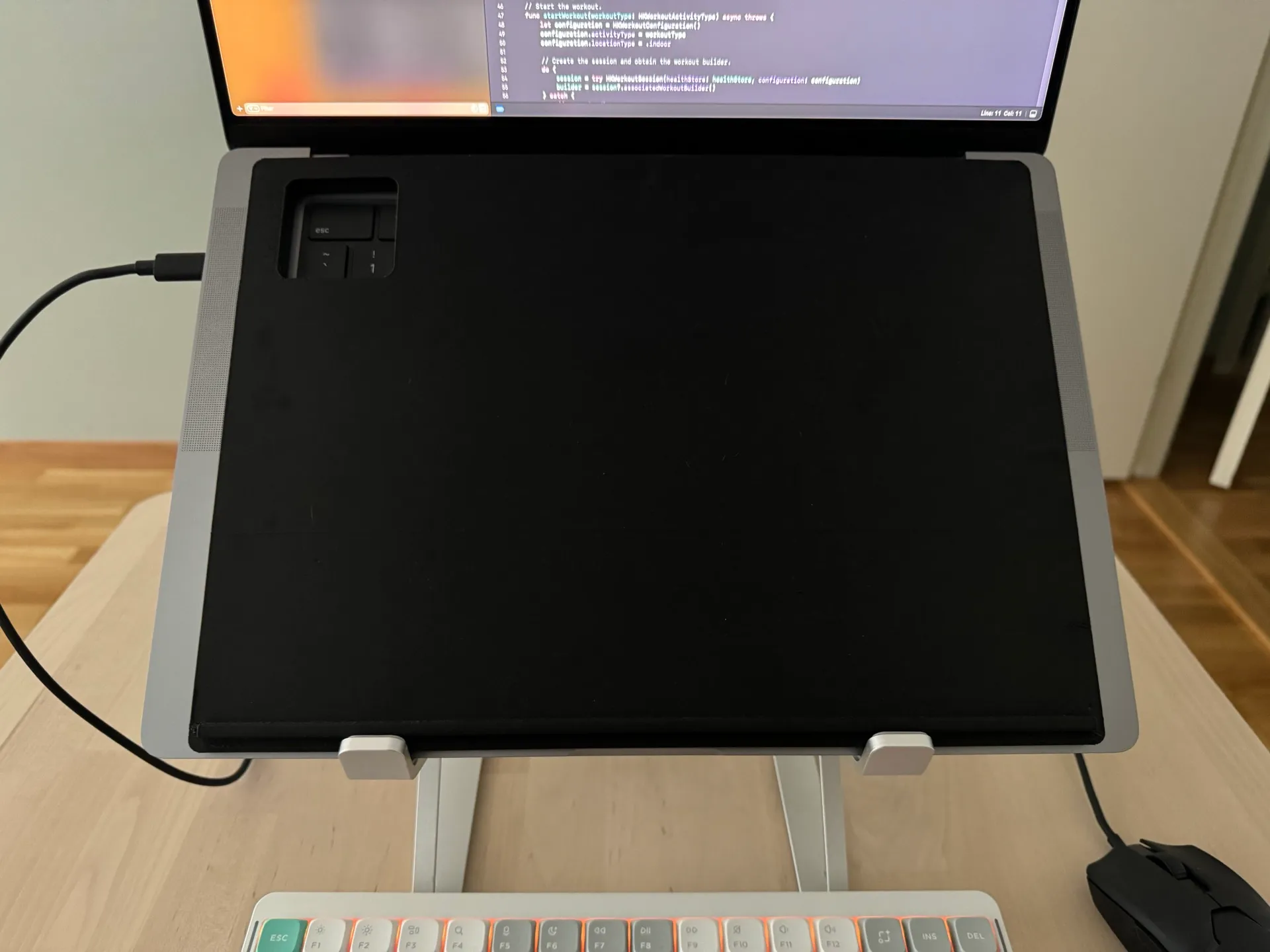
One thing worth mentioning: Apple Silicon MacBooks intake air from the bottom edges and exhaust from below the hinge, so the tray does not block any airflow.
This setup works surprisingly well. The MacBook’s display sits at a comfortable eye level on the stand, and the iPad below provides extra screen real estate for terminals, documentation, or chat. The main downside is weight: carrying a MacBook, iPad, keyboard, and mouse in my backpack is a bit heavy.
If you want to replicate it, you can grab the model of the tray on Thingiverse. It is designed for the iPad Pro 12.9” and MacBook Pro 16”, but adapting it for other sizes should be straightforward.